Cloud ERP for Small Manufacturers: A 2026 Buyer's Guide
Choosing a cloud ERP for a small manufacturing business comes down to a handful of questions: does it cost a batch properly, does production post to the ledger, can you trace a lot, and what will it really cost over three years. This guide gives you the checklist, the questions to ask vendors and the red flags.
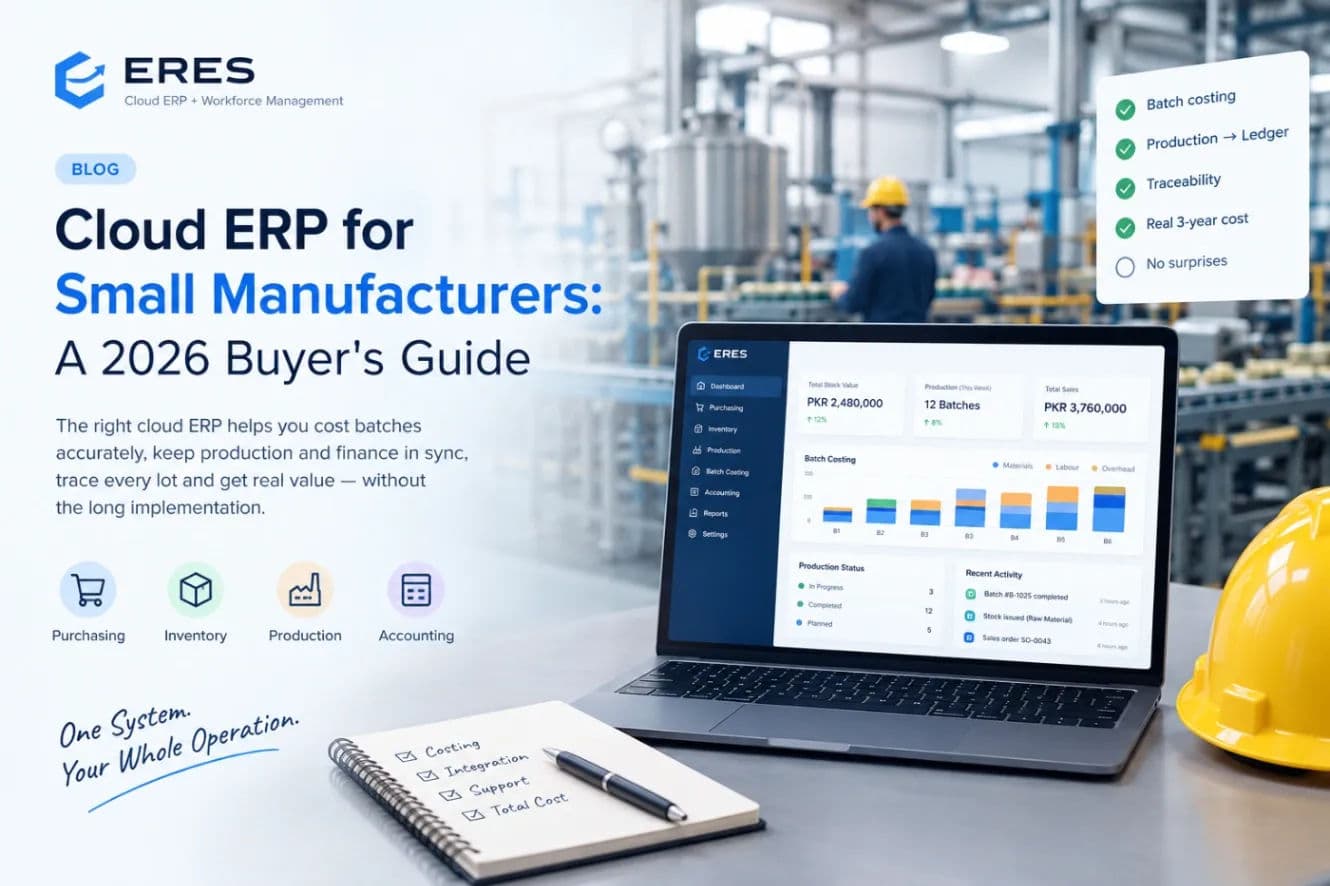
The right cloud ERP for a small manufacturer is the one that runs purchasing, stock, production and accounting on a single ledger, costs each batch from actual material and time, and can be set up in weeks rather than quarters. Everything else — dashboards, apps, AI — is only useful once those basics hold.
This guide is written for owners and operations managers of plants with roughly 10 to 250 people: feed mills, food and beverage, chemicals, cosmetics, pharmaceuticals, plastics, textiles and small engineering shops. It covers what to look for, what to ask, what it will really cost and the warning signs of a rollout that will stall.
Why generic accounting software stops working
Most small manufacturers start on a general bookkeeping package plus spreadsheets for recipes, batches and stock. It breaks in a predictable order:
- Stock in the accounts never matches the warehouse because production consumption is posted monthly, by estimate.
- Nobody can say what a batch actually cost, so pricing is based on material plus a guess.
- A customer complaint arrives and tracing which raw-material lots went into which finished batch takes two days of digging through paper.
- Purchasing buys from memory, so either the line stops for a missing ingredient or money sits in excess stock.
A manufacturing ERP fixes these by making the recipe, the work order and the stock movement the source of the accounting entry — not the other way round.
The feature checklist for batch and process manufacturers
Must have
- Recipes or bills of materials in the units your floor uses (kg, g, litres, pieces, bags) and as percent of batch for formulated products, with versioning and approval.
- Work orders with stages you define — dispensing, mixing, filling, packing, inspection, release — rather than a fixed template.
- Material issue from real stock lots at actual cost, with FIFO or FEFO.
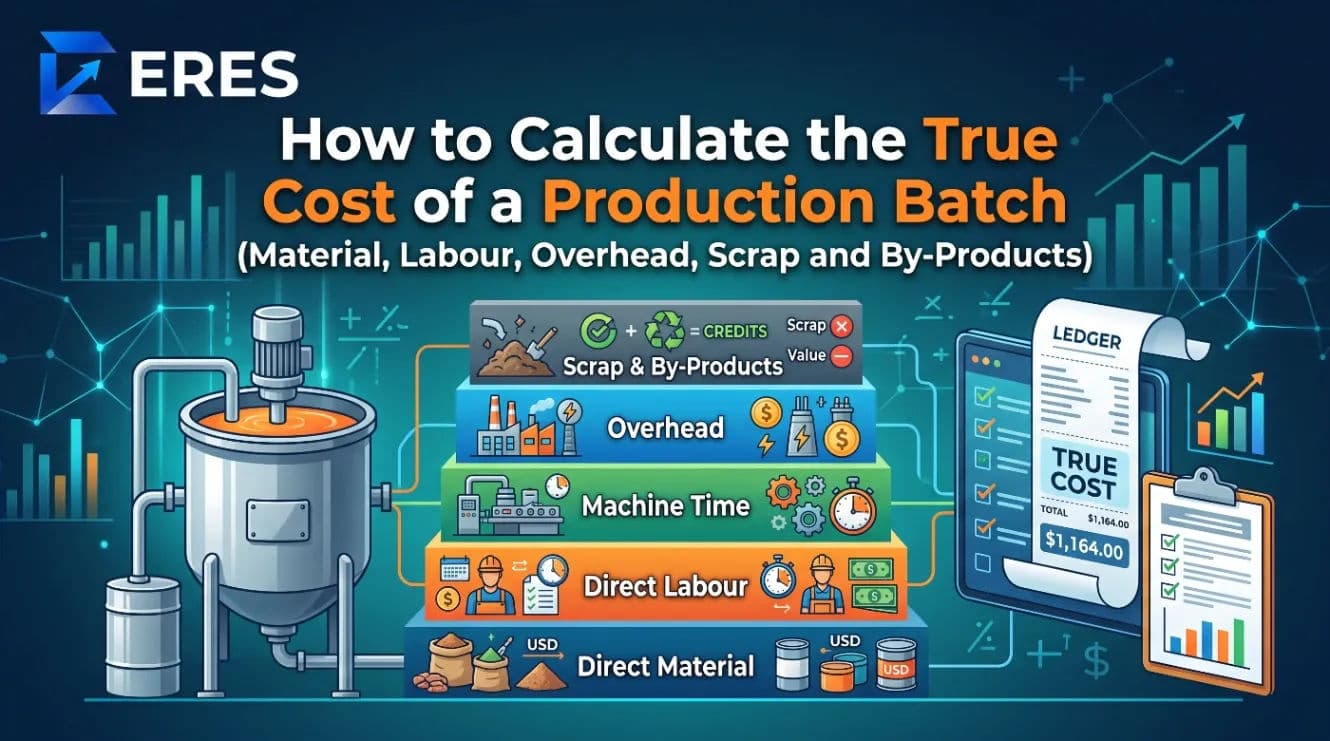
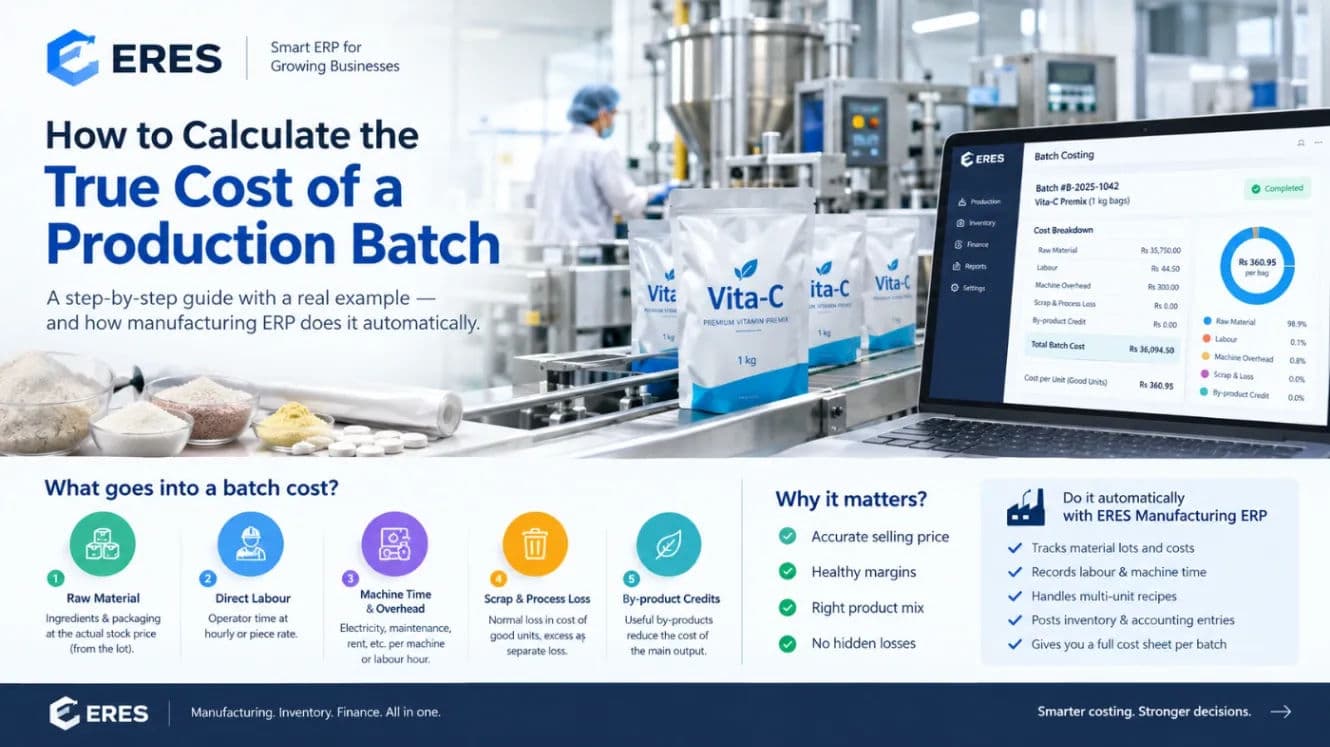
- Batch costing that includes labour, machine time, overhead, scrap and by-products, and posts work in progress and finished goods to the ledger automatically.
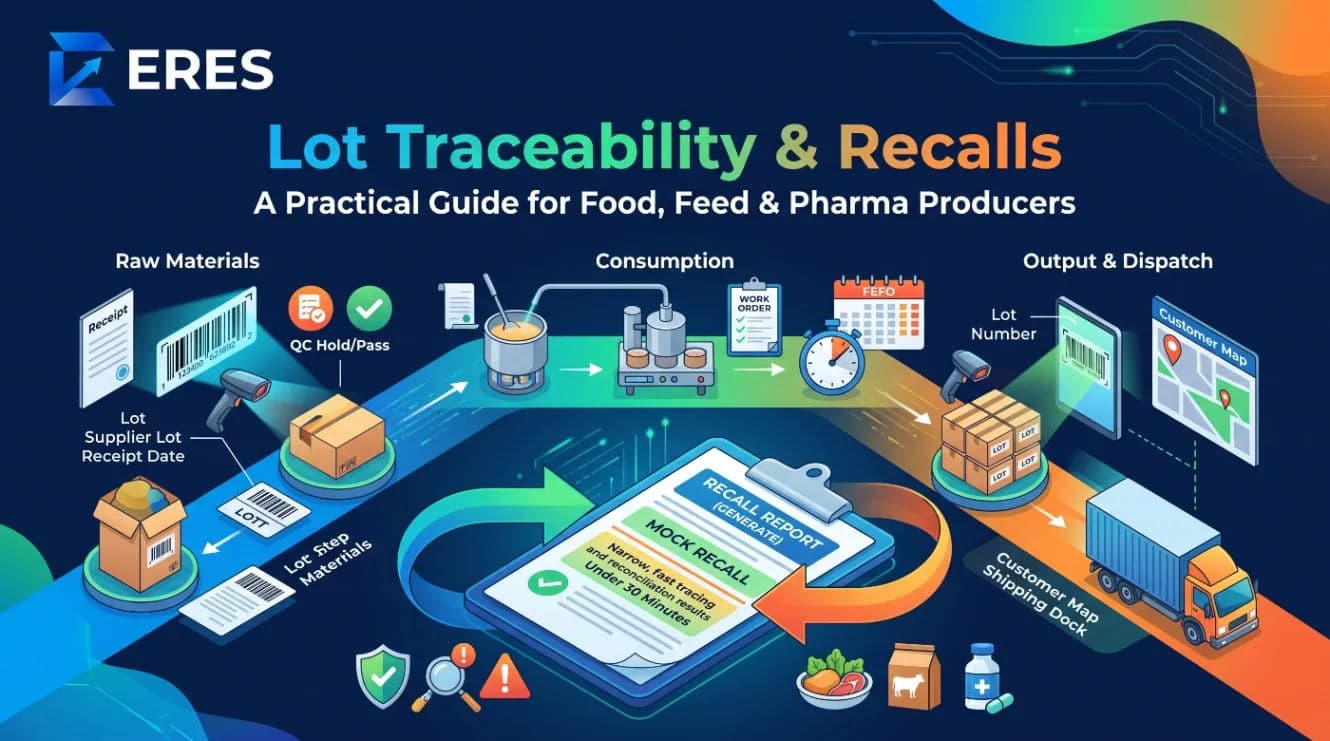
- Lot and expiry tracking with backward and forward traceability and a recall report.
- Quality control at a stage, with readings checked against limits, a hold on failure and a rework route.
- Material planning that nets requirements against stock and open purchase orders and shows what is short.
- Accounting, purchasing, sales and inventory in the same system, same ledger, same audit trail.
Strongly recommended
- Multi-site stock (plant plus warehouses or depots).
- Unit conversions per item (buy in tonnes, issue in kg, sell in bags).
- Piece-rate or time-based labour that flows into payroll.
- Customer and supplier portals for orders, invoices and statements.
- No-code workflow automation for reminders, approvals and notifications.
- An AI/agent interface (an MCP server) so the owner can ask questions in plain language.
Industry-specific
- Feed mills: nutrient library, specifications and least-cost formulation that writes back to the recipe. See feed formulation software.
- Pharma and nutraceuticals: potency-adjusted actives, batch manufacturing record, QC release before sale.
- Food and beverage: yields, process loss, packaging consumed at filling, expiry-dated finished lots.
- Chemicals and coatings: density conversions, inspection readings against limits, rework.
Ten questions to ask every vendor
- When material is issued to a batch, what journal entry is posted, and when?
- Show me the cost sheet for one batch. Where does overhead come from?
- Can I design my own production stages, or do I adapt my process to yours?
- Trace this finished lot back to its supplier deliveries. How many clicks?
- What happens when a QC reading is out of range?
- How do recipe changes get approved, and can a running batch keep its old version?
- How do I load my existing items, parties, opening balances and recipes? From a spreadsheet?
- What does the free or starter tier include, and what triggers the next price step?
- How is my data backed up, and can I export all of it if I leave?
- What is the implementation timeline for a plant like mine, and who does the work?
Ask for a demo on one of your own recipes. A vendor who cannot set up your product, run a batch and show its cost sheet in a live session is selling slides.
Total cost of ownership over three years
Subscription price is rarely the biggest number. Build a simple three-year model with these lines (illustrative amounts for a 40-person plant):
| Cost line | Typical range (USD, 3 years) | Notes |
|---|---|---|
| Subscription | 3,000 – 30,000 | Per user or per module; check what counts as a user |
| Implementation and data migration | 0 – 20,000 | Spreadsheet imports should be self-service |
| Training | 500 – 5,000 | Operators need less than accountants |
| Customisation | 0 – 15,000 | Configurable stages and templates should avoid most of it |
| Internal time | Often the largest | Weeks of your team's attention during rollout |
| Hardware | Minimal for cloud | Barcode scanners, thermal printers, a tablet on the floor |
Cloud ERPs with a genuine free tier let you prove the fit before the subscription line exists at all. The cost that matters most is internal time, which is why configurability — your stages, your units, your approvals — is worth more than a long feature list.
Red flags
- Production is a separate product "integrated" with accounting through a nightly sync. Reconciliation will become a monthly job.
- Costing by standard only, with no actual lot cost. You will never know the real margin.
- Fixed process templates that cannot be changed without a developer.
- No lot tracking on the starter tier, sold as an upgrade after you are committed.
- Pricing that is only available after a sales call.
- No self-service import for items, parties and recipes.
- Data export limited or chargeable. Your ledger is yours.
- "AI" that is a chatbot over exported reports rather than tools bound to your permissions.
Cloud versus on-premise for a small plant
Ten years ago a manufacturing ERP meant a server in a cupboard, a consultant and a three-year licence. For a plant with fewer than a few hundred people the economics have inverted. A cloud ERP removes the server, the backups you forget to test and the upgrade projects; it adds a monthly or yearly fee and a dependency on your internet connection. Three practical points decide it:
- Floor connectivity. Stage completions, QC readings and lot scans happen on the floor. A cheap tablet on Wi-Fi is enough, but test the signal in the mixing room and the cold store before go-live.
- Multi-site by default. Cloud systems treat a second warehouse or a sales office as another site, not another installation. If growth is on the plan, this alone settles the question.
- Access from anywhere for the owner, the accountant and, through an assistant or portal, for customers and suppliers. On-premise systems bolt this on; cloud systems start from it.
Regulated producers sometimes ask whether cloud is acceptable for batch records. In most jurisdictions it is, provided the system keeps an audit trail, controls access by role and retains records for the required period — ask the vendor to show the audit log and the retention policy, and keep that answer in your validation file.
A sensible rollout order
- Items, units, parties and opening balances. Reconcile the opening trial balance.
- Purchasing and stock receipts into lots. Run two weeks in parallel with the old system.
- One recipe and one process template. Run a real batch end to end and read the cost sheet.
- Sales, invoicing and the finished-goods side.
- Remaining recipes, QC forms, planning, payroll, portals, automations.
Done in this order, most small plants are posting live batches within four to six weeks, with accounting catching up rather than leading.
Frequently asked questions
Is a cloud ERP safe for a manufacturer's data?
A reputable cloud ERP will have encrypted storage, daily backups, role-based access and an audit trail — generally better than the shared drive the spreadsheets live on today. Ask for the backup policy in writing and confirm you can export everything.
How many users do we really need?
Count the people who post: purchasing, stores, production supervisors, QC, accounts, sales. Operators who only record stage completions can often share a floor tablet login where the system allows it.
Should a small plant start with MRP and planning?
Start with recipes, batches and costing. Planning becomes valuable once batches are being recorded reliably, because it works from the same work orders and stock.
What about discrete versus process manufacturing?
Process (batch) manufacturers need yields, percentages, lots and expiry. Discrete manufacturers need routings, work centres and serial numbers. Many small plants are a mix; look for a system whose stages are configurable enough to do both.
ERES was built for exactly this segment: recipes in any unit, your own process stages, lot traceability, batch costing posted to the ledger, and a free plan to prove the fit on your own data. See the manufacturing module, check pricing, or create a free account.
Run your books on ERES
Accounting, inventory, POS, manufacturing, payroll and tax in one system — and an MCP server so your AI agent can use it too.