ERES WorkflowsAutomate your ERP without writing code
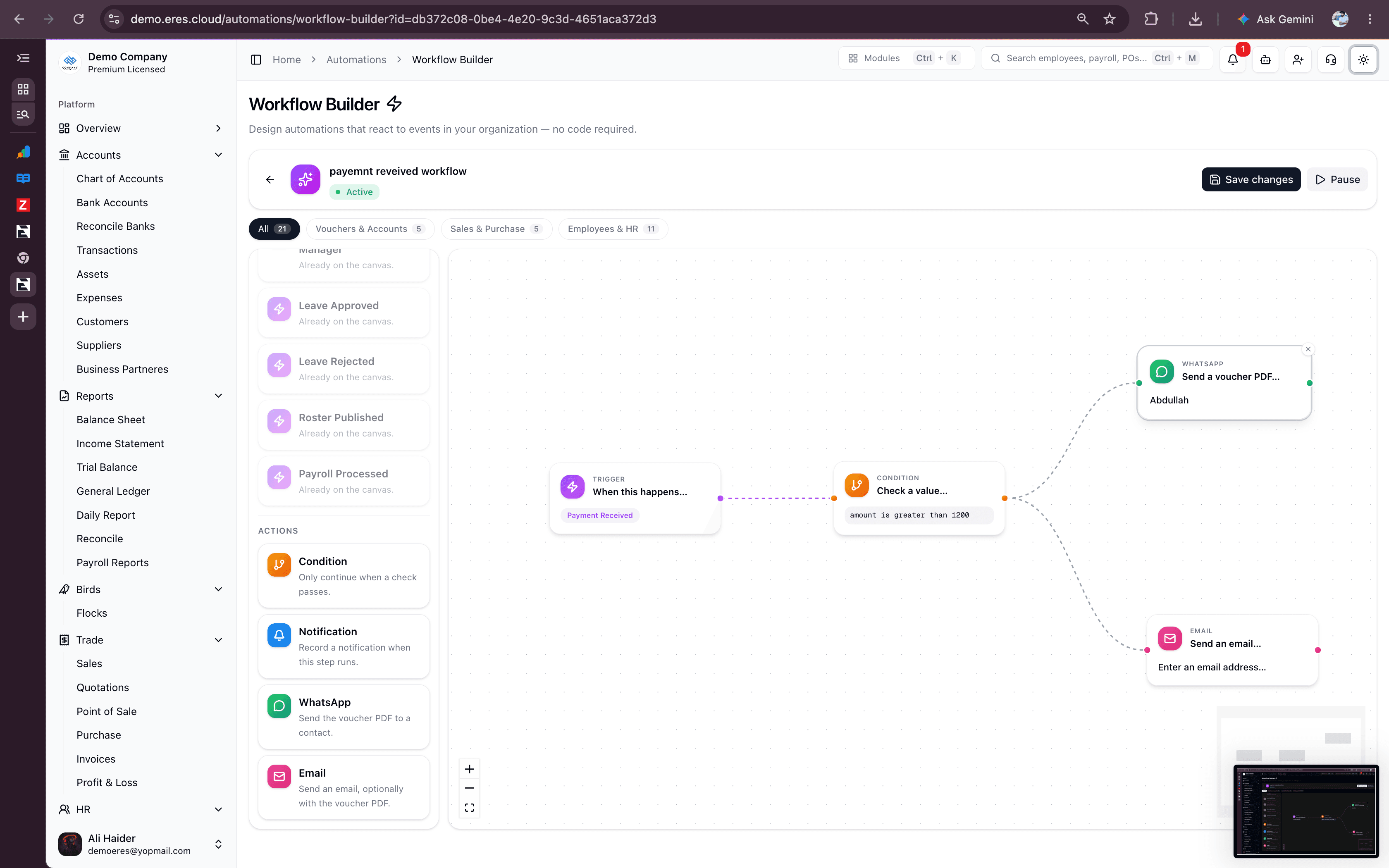
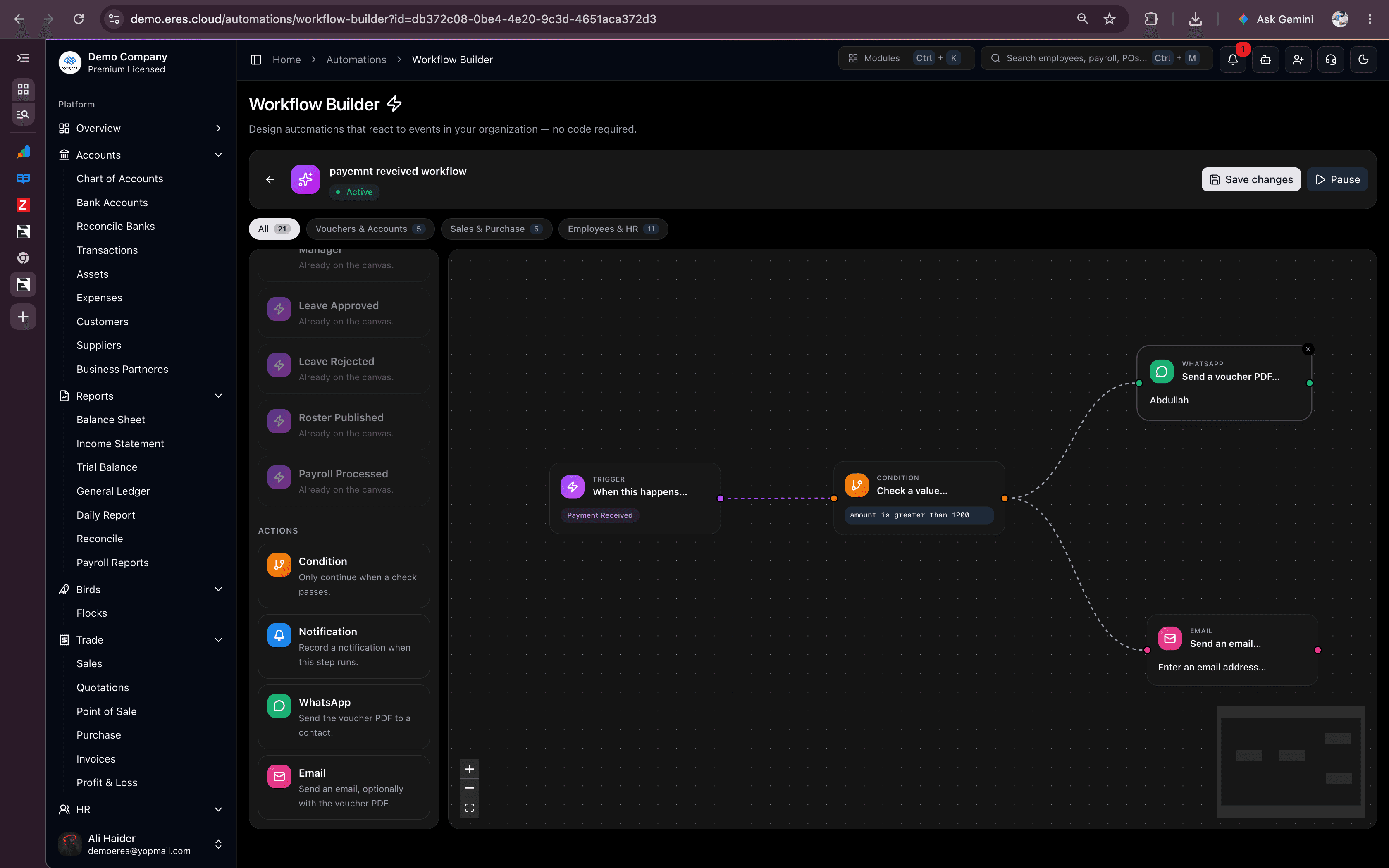
Drag a trigger onto the canvas — a sale order posted, an invoice overdue, stock running low, payroll processed. Add a condition, connect it to a WhatsApp message or an email. Save it, and it runs on its own from then on.
Real ERES events, not a guessed poll
Every trigger is wired to the exact action that already happens in ERES — a voucher approval, an order posting, a leave decision — so a workflow fires the moment the real event does.
Vouchers & Accounts
- Voucher created
- Voucher posted
- Expense created
- Expense approved
- Payment received
Sales & Purchase
- Sale order posted
- Purchase order posted
- Invoice created
- Invoice overdue
- Inventory low stock
Employees & HR
- Employee created
- Shift booked on / off
- Leave applied / approved
- Roster published
- Payroll processed
From empty canvas to live automation in minutes
No boilerplate, no starter template to fight — you drag on the first node yourself.
Drag a trigger onto the canvas
Pick the exact event, not a generic "trigger" block — a sale order posted, stock running low, payroll processed. The palette drops a pre-configured node straight onto the canvas.
Add a condition, if you need one
Only continue when a value matches — amount greater than a threshold, a specific department, a status change. Field suggestions come from the trigger's real payload, so nothing is guessed.
Connect an action and save
Route it to a WhatsApp message or an email — with the voucher PDF attached if you want it. Save, flip the workflow active, and it runs by itself from then on.
Four steps cover almost everything
Chain them in any order — condition first to filter, or straight to a message.
Condition
Only continue when a check passes — compare any field on the trigger's payload against a value you set.
Notification
Record an in-app notification the moment this step runs, visible in the same activity trail as everything else.
Send a message — with the triggering voucher's PDF attached — to any contact already saved in ERES.
Send an email to any address, with an optional subject, message and the same voucher PDF attachment.
Workflows teams actually build
Each of these is three nodes on the canvas — trigger, an optional condition, and an action.
An automation you can rely on, not just wire up
Fires from real ERES events
Every trigger is wired to the exact action that posts it — voucher approvals, order postings, leave decisions — not a polling job guessing what changed.
Branch as far as you need
Connect any step to any other step, not just off the trigger. Build long chains — trigger, condition, notification, WhatsApp, email — in one canvas.
See every run
Triggered and failed counts, a per-workflow execution chart and a status breakdown — so "is this actually firing?" always has an answer.